Try it yourself
Twice is a pattern, so it’s time to write this up. I have a drawer (apparently every guy does) full of cables and old devices I’m convinced I’ll use again some day. Two in there were an old Kobo Glo e-reader (ca. 2012) and a Garmin Edge 1000 bike computer (ca. 2014).
Bottom Line Up Front: an excellent pattern is hanging that old device off a USB and asking your AI to resurrect it. Maybe even add some features while you’re at it.
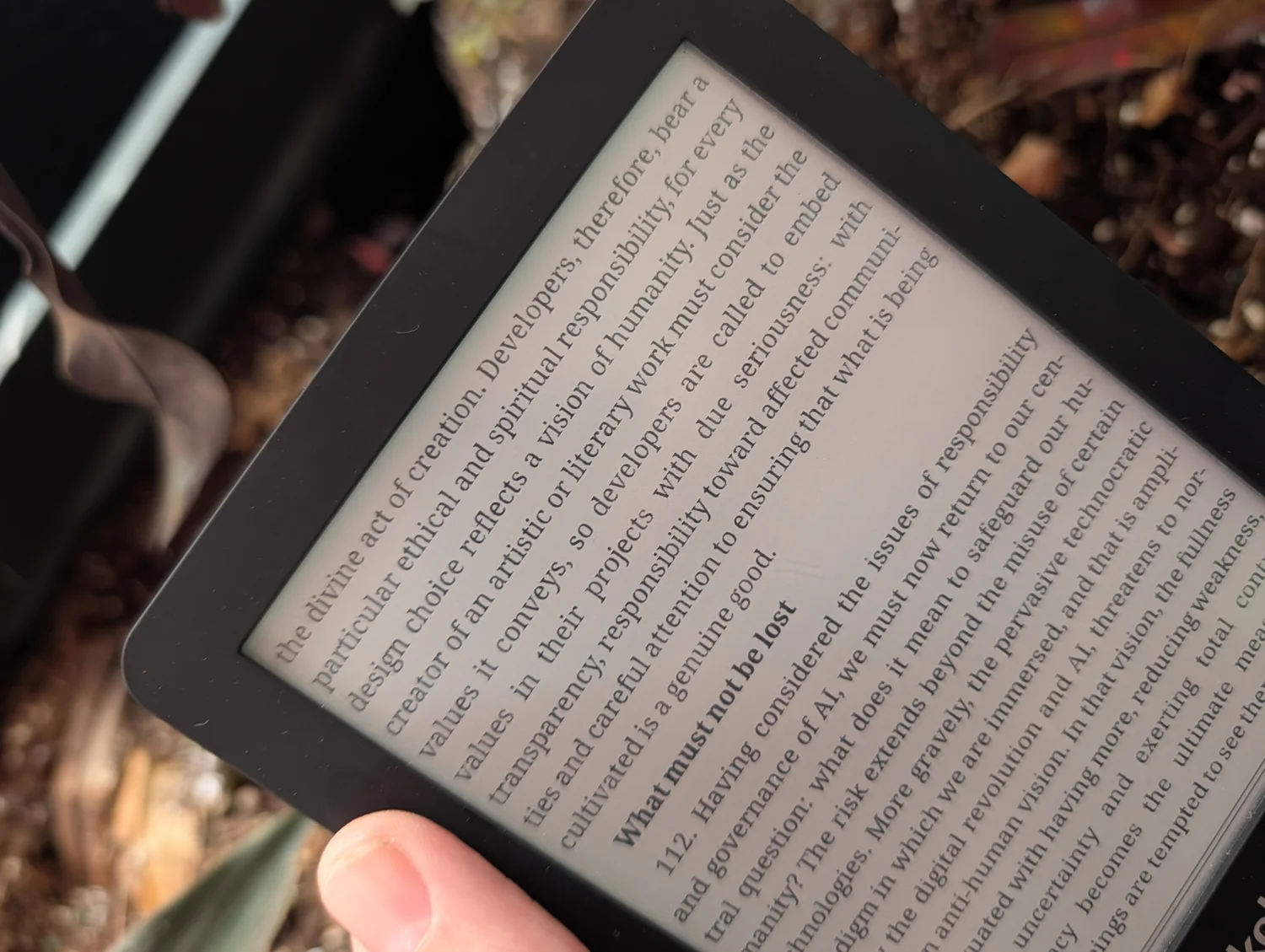
Here’s why, for the Kobo, specifically: I wanted a quiet place to absorb the Pope’s Encyclical on AI. One part of it speaks directly to the people building with AI, which is to say me, and I wanted to sit with that rather than skim it on a phone. So naturally I used AI to get the thing ready to read. The ironies are stacked floor to ceiling, and I have made my peace with all of them.
Claude hooked me up with Kobo community modifications I never would have known existed (KOReader, sideloaded by drag and drop, nothing flashed, the whole thing allegedly reversible by deleting two folders), converted the encyclical into the ideal format so its 224 footnotes actually pop up inline where you are reading, added the community’s fav typefaces, and an offline dictionary so I could look up a word without leaving the page. Absolute perfection.
Now that we’ve solved meditating at rest, let’s turn to meditation in motion, featuring an old bike computer and an even older pair of eyes.
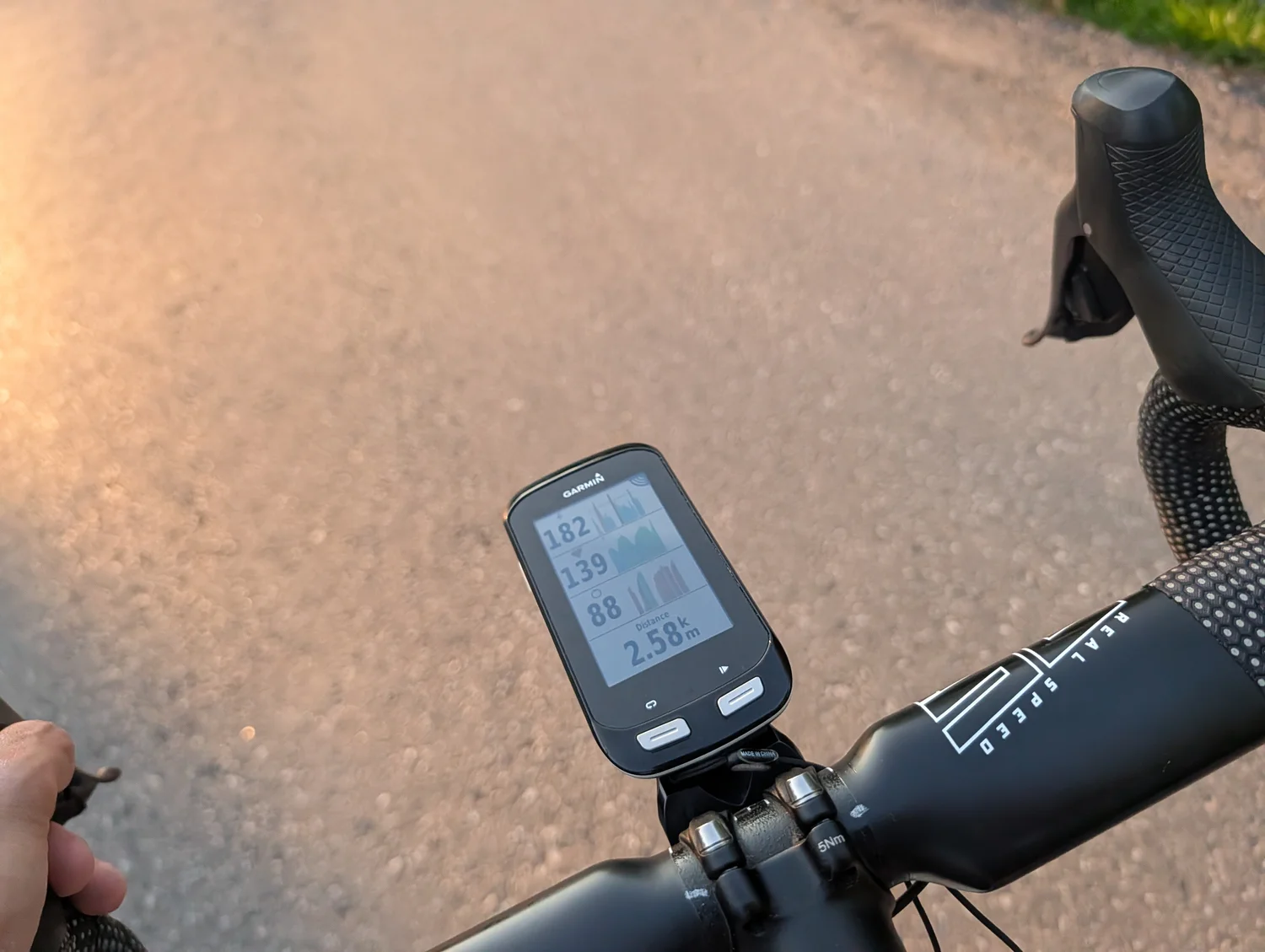
I used the same trick to get a Garmin Edge 1000, essentially a deprecated piece of hardware, working despite being no longer supported in the mobile and desktop Garmin apps. It’s a perfectly fine head unit, the battery is still trucking, and I wasn’t going to buy a new one just to get three graphs arranged the way I wanted. Claude offered me the chance to BAKE MY OWN custom fields (the graphs), downloading and setting up the ConnectIQ SDK for me to create custom fields to visualize Power, Cadence, Heart Rate. Including a nice little margin on the right so my Varia radar can visualize traffic coming up behind me.
The whole repo is on GitHub if this helps you, or if you want to extend it to bake your own.
I’d note that – with the Garmin win alone – AI just quietly saved me $500 and paid for itself for the past 3 months in an afternoon.
Perfect example of feeling like a wizard.. the kind who takes feature requests, and pulls perfectly fine tech back out of the drawer instead of leaving it for the landfill.